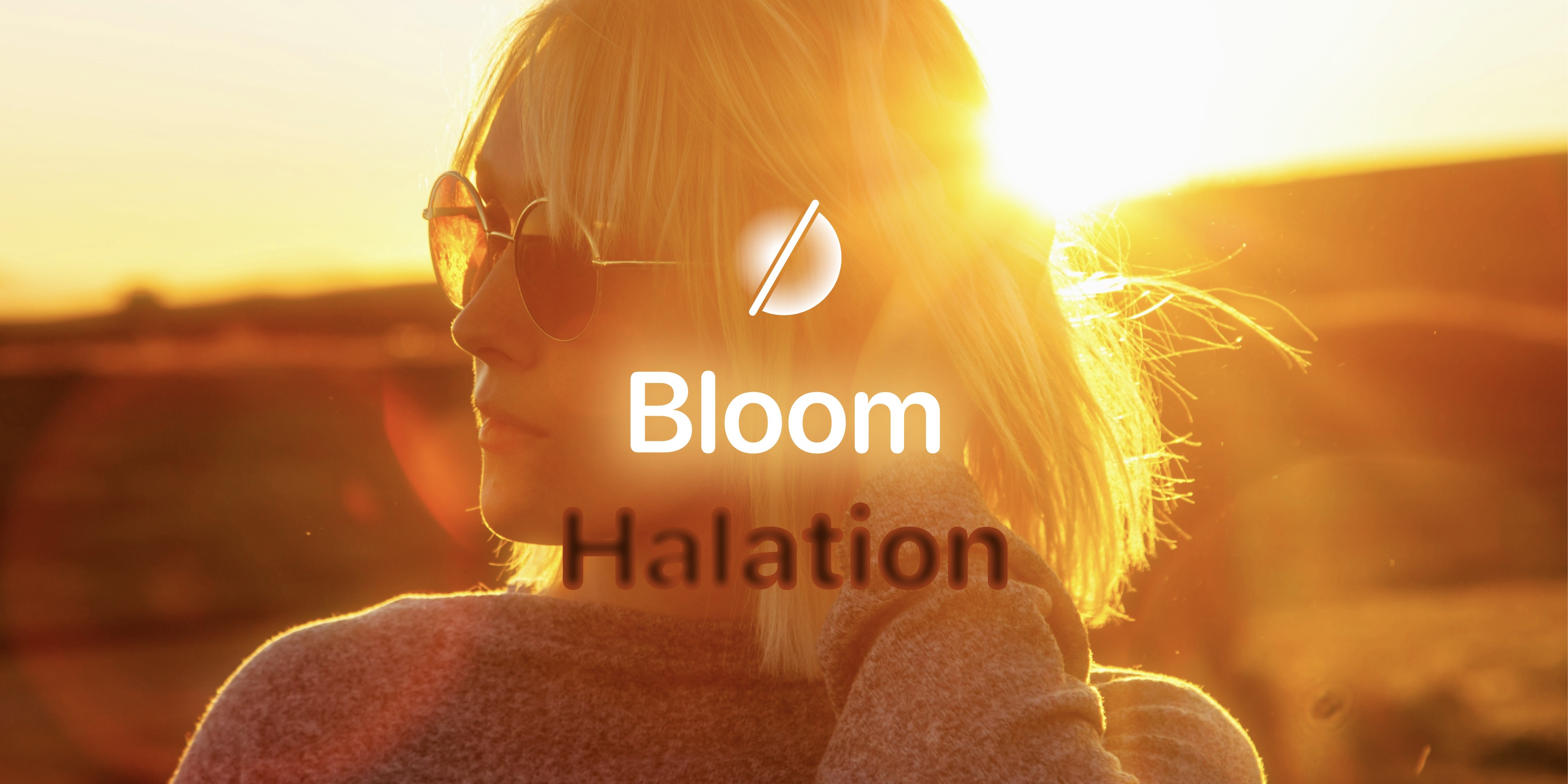
Bloom & Halation — Add analog glow to photos
Two subtle effects rooted in the legacy of lens dynamics and film photography, enhance your digital photos, infusing them with depth, warmth, and a touch of nostalgia. In this post, we’ll walk you through what each tool does, the photographic origins of these effects, and how you can use them to achieve stunning results.
While Bloom and Halation share their origins in the way light diffuses in your lens and film photography, they serve slightly different purposes and complement each other.
Bloom softens the brightest areas of a photo, an outer glow if you will, diffusing light outward and creating a dreamy, soft focus, ethereal glow that enhances the overall atmosphere.
Halation, on the other hand is a more subtle and nuanced effect, a warm inner glow, focusing solely on the hard edges around bright areas, creating a warm orange halo inside high-contrast points, reminiscent of the look of vintage film.
Bloom: Softening and Highlighting the Light
The Bloom slider softens and diffuses light, causing the brightest areas of your photo to "bloom" outward. It creates a gentle, dreamlike glow around light sources and high-contrast edges, enhancing the mood of a photo by making highlights appear softer and more radiant.
Bloom excels at drawing attention to light in your photos. It imparts a soft, glowing look that feels nostalgic and timeless, adding emotional depth. Use it to enhance a photo's mood or evoke a sense of warmth and softness.
Lens Dynamics Origins
Bloom has its origins in the halation effect found in lens dynamics, especially when shooting bright light sources. Photographers at times would also create this glowing, diffused light by using creative techniques such as applying vaseline or stretching stockings over the lens.
By applying a thin layer of vaseline to the edges of the lens or on a clear filter, photographers could soften highlights, creating a glowing effect around bright areas. The vaseline diffused the light, similar to how Bloom works digitally today. Similarly, photographers would also stretch fine mesh stockings over their lenses to achieve a soft-focus effect. This subtle diffusion smoothed out highlights and softened edges, while still preserving sharpness in the central focus area, creating a romantic, dreamlike quality.
These tricks inspired the digital Bloom tool, allowing you to recreate that ethereal, soft light without having to physically manipulate your lens.
When to Use Bloom
- Portraits: Especially those taken during golden hour or under soft lighting. It can add a flattering glow to skin tones and create an overall dreamy effect that makes the subject appear bathed in light.
- Night Photography: In urban night scenes, Bloom can soften harsh highlights from streetlights, neon signs, or car headlights, creating a nostalgic or cinematic mood.
- Cinematic and Fashion Photography: Creating a dramatic, film-like look. Streetlights, headlights, and other bright light sources gain a soft glow, giving photos a romantic or surreal feel. Fashion photographers also use Bloom to evoke glamour and emphasize texture, especially when working with strong lighting setups, as Bloom can help emulate that classic “lens glow” seen in films.
- Wedding and Event Photography: It’s commonly used for romantic and emotional moments, like weddings or other sentimental events. It adds a cinematic, ethereal quality to photos, softening harsh light while accentuating glowing highlights, perfect for capturing intimate moments.
- Landscape Photography: Particularly during sunset and sunrise, Bloom enhances the sun's glowing edges, softening the transition between bright skies and darker foregrounds. It adds atmosphere and depth to landscapes, especially when light interacts with clouds, water, or mist. In these golden hour shots, Bloom helps tame the sun's harshness, creating a smoother blend between luminous skies and shadowy terrain.
Advanced Techniques
For advanced Bloom usage, try combining it with other tools to create unique effects. Use Bloom in conjunction with the Exposure and Highlights sliders to fine-tune the glow effect. For night photography, apply Bloom after adjusting Shadows to create a cinematic look with softened streetlights. In portraits, combine Bloom with Skin Smoothing for a dreamy, ethereal effect. For landscapes, use Bloom subtly with Color Grading to enhance golden hour shots, creating a warm, nostalgic atmosphere.
Halation: Bringing Warmth to the Edges
Halation creates a subtle, red-orange glow around high-contrast edges in your photo, typically in overexposed areas. This effect shines in scenes with significant differences between bright and dark areas, adding vintage warmth and character to your photos by evoking the charming imperfections of old film photography.
It's worth noting that halation's effectiveness depends heavily on specific lighting conditions. In photos lacking overexposed areas or sharp contrast lines, the effect may be subtle or even unnoticeable. For example, evenly lit scenes or images without bright highlights might show little to no change when halation is applied.
Halation excels at infusing photos with a nostalgic feel, making it particularly effective when you want to evoke a sense of bygone days or lend your image a filmic quality. The reddish glow adds depth and richness, especially around light sources, enveloping your photos in a layer of emotional warmth.
Analog Film Roots
In traditional film photography, halation is caused by light reflecting off the film’s base layer, causing a halo-like effect around bright objects. This happens because light scatters and reflects within the film layers, creating a halo around high-contrast areas. While film manufacturers tried to reduce this effect, it became an iconic look in many classic films, and now, photographers intentionally use it to add warmth and texture to their photos.
When to Use Halation
- Backlit Portraits: If you’re shooting a subject with a strong light source behind them (like the sun or a window), Halation can add warmth and depth to the edges, giving the photo a timeless, cinematic feel.
- High-Contrast Scenes: Anytime there’s a sharp contrast between bright highlights and darker shadows, Halation can add a subtle warmth that enhances the natural glow and texture of your photo.
- Urban Night Photography: Halation works beautifully in nighttime cityscape where bright lights contrast against dark backgrounds. It adds a nostalgic touch reminiscent of vintage neon signs glowing against the night.
Advanced Use of Halation
To maximize Halation's impact, you can pair it with high-contrast adjustments. Add more Contrast, then apply Halation to create a vintage look. For urban night scenes, combine Halation with selective Color adjustments to enhance the warmth around neon lights. In backlit portraits, use Halation in tandem with the Shadows slider to add depth and dimension. For a creative twist, try using Halation with Black & White conversion to simulate classic film grain and light leaks.

