Third-party integrations

From the camera app to the edit

Darkroom’s camera app integrations let you move from a capture in a partner camera app to the edit in Darkroom.
Leica LUX
Leica LUX
Pro Photo Capture
App Store →
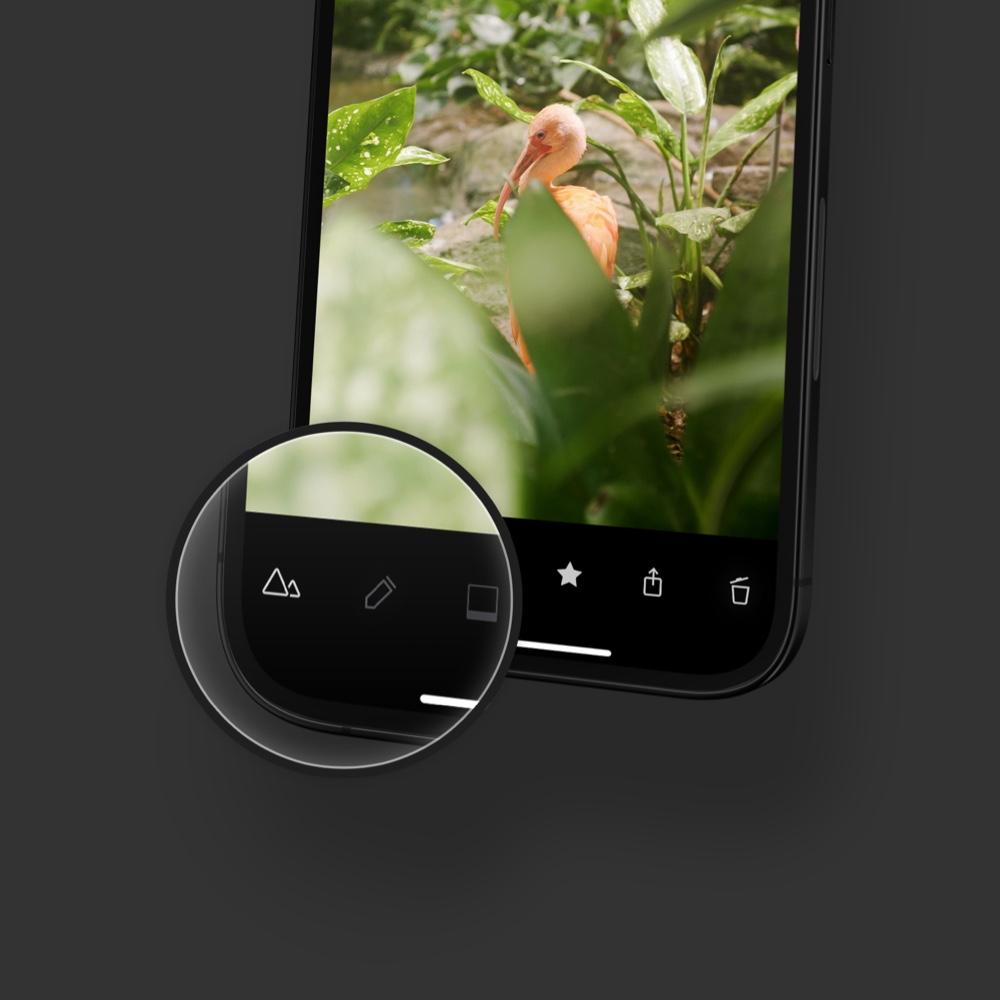
An iPhone running Leica LUX, with a sunset over the water
Leica FOTOS
Leica FOTOS
Seamless. Instant. Everywhere.
App Store →
Halide
Halide Mark II
RAW, Manual and Macro Capture
App Store →
Pro Camera
Pro Camera by Moment
Manual Photo + Video Camera
App Store →
Obscura
Obscura
Manual Controls, ProRAW, Video
App Store →
Fjorden
Fjorden
Professional Camera Controls
App Store →
ProShot
ProShot
The Pocket DSLR
App Store →
ReeXpose
ReeXpose
Professional Longexposure Cam
App Store →
Camera M
Camera M
Manual Controls with ProRAW
App Store →
Photon
Photon
Simple Pro Camera
App Store →
Placeholder app icon
Your App?
Building a camera app? Write to us.
Contact us →
System integrations

iCloud Photos and Shortcuts

Darkroom reads your iCloud Photo Library directly, and Shortcuts can edit, frame, and save a photo.
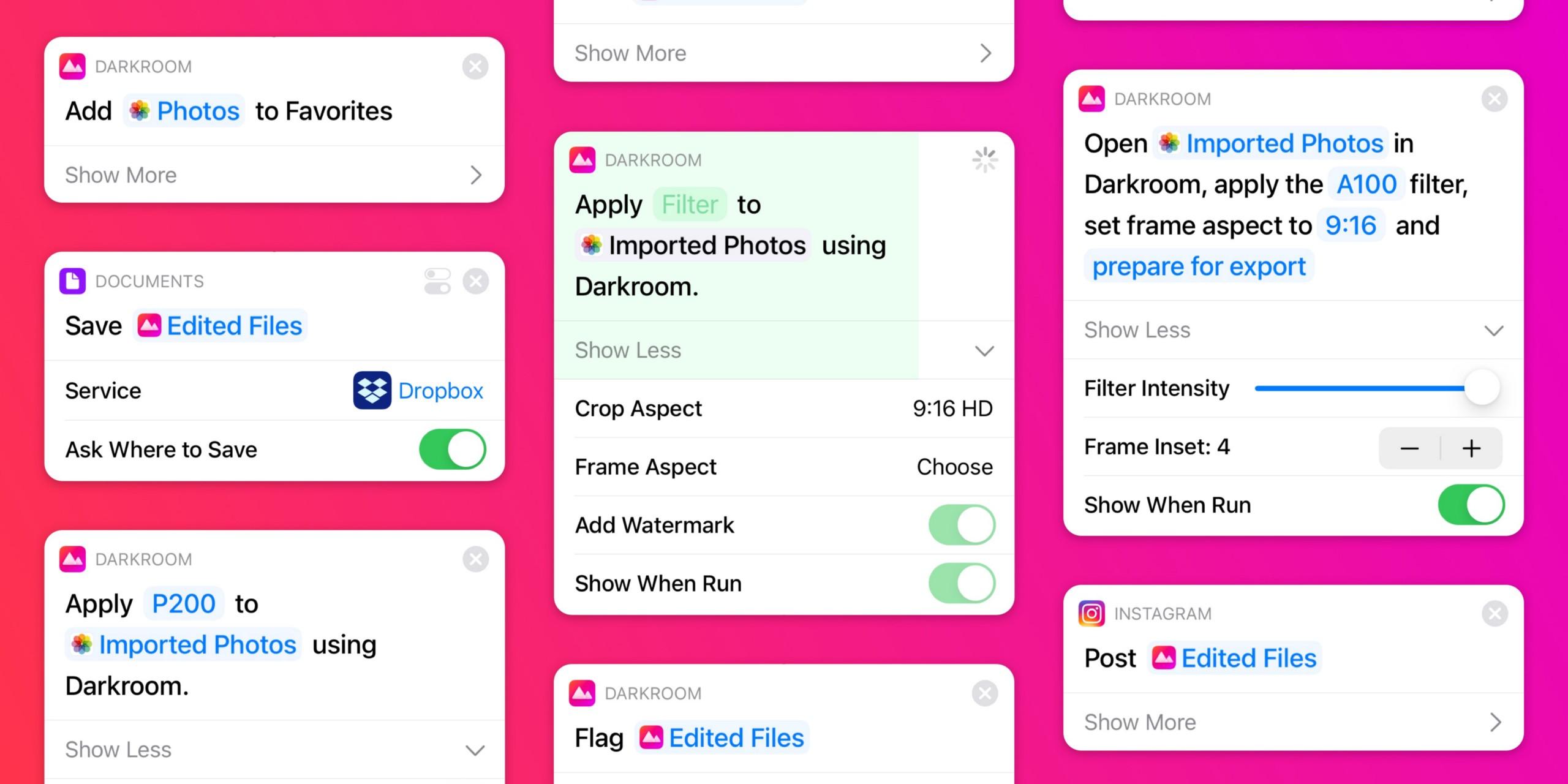
The Shortcuts app editing a photo, with Darkroom actions for the frame and filter

Automate with Shortcuts

Use Siri or Shortcuts app to take/edit photos or videos, adjust filter intensity, frame, crop, add watermark, and save/upload to any platform.

Read about Shortcuts actions →

The library is already there

Darkroom uses the iCloud Photo Library, plus the Share Edit Extension, keyboard shortcuts, and drag and drop.

Read how Darkroom uses Apple Photos →

Darkroom on iPhone, iPad, and Mac, each showing the same coastal photo

Edit your iCloud Photos in Darkroom

Install the free app on iPhone, iPad, Mac, and Vision Pro. Open your iCloud Photos without a separate import.

Try it Free
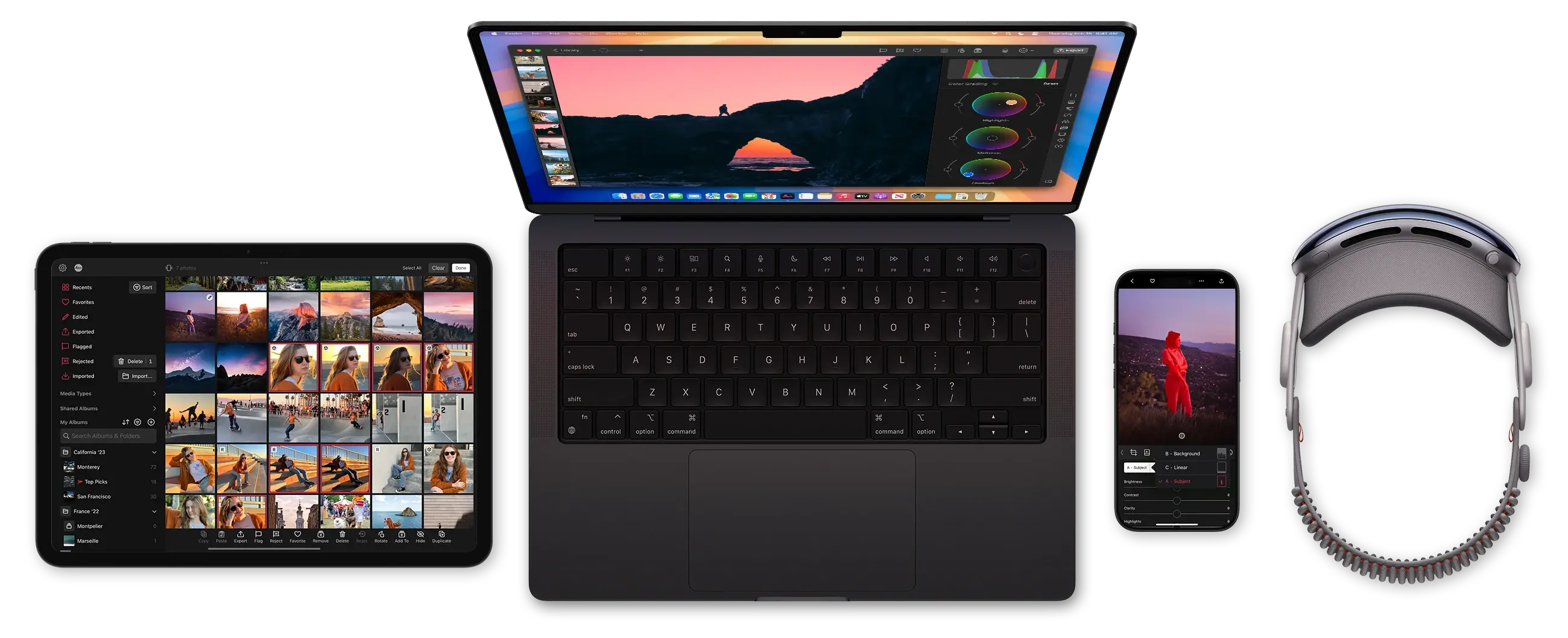
Darkroom runs on iPhone, Mac, iPad and Vision Pro