Community Presets Wrapped '25
For the third year in a row you all shared over a 1,000 new presets with the community, making for a total of over 3,300 total presets for everybody to freely discover, install, and not to mention the exports running in the millions! When we launched Presets Sharing in 2022 we had no idea how big it would become. It's a joy to see the community grow and thrive.
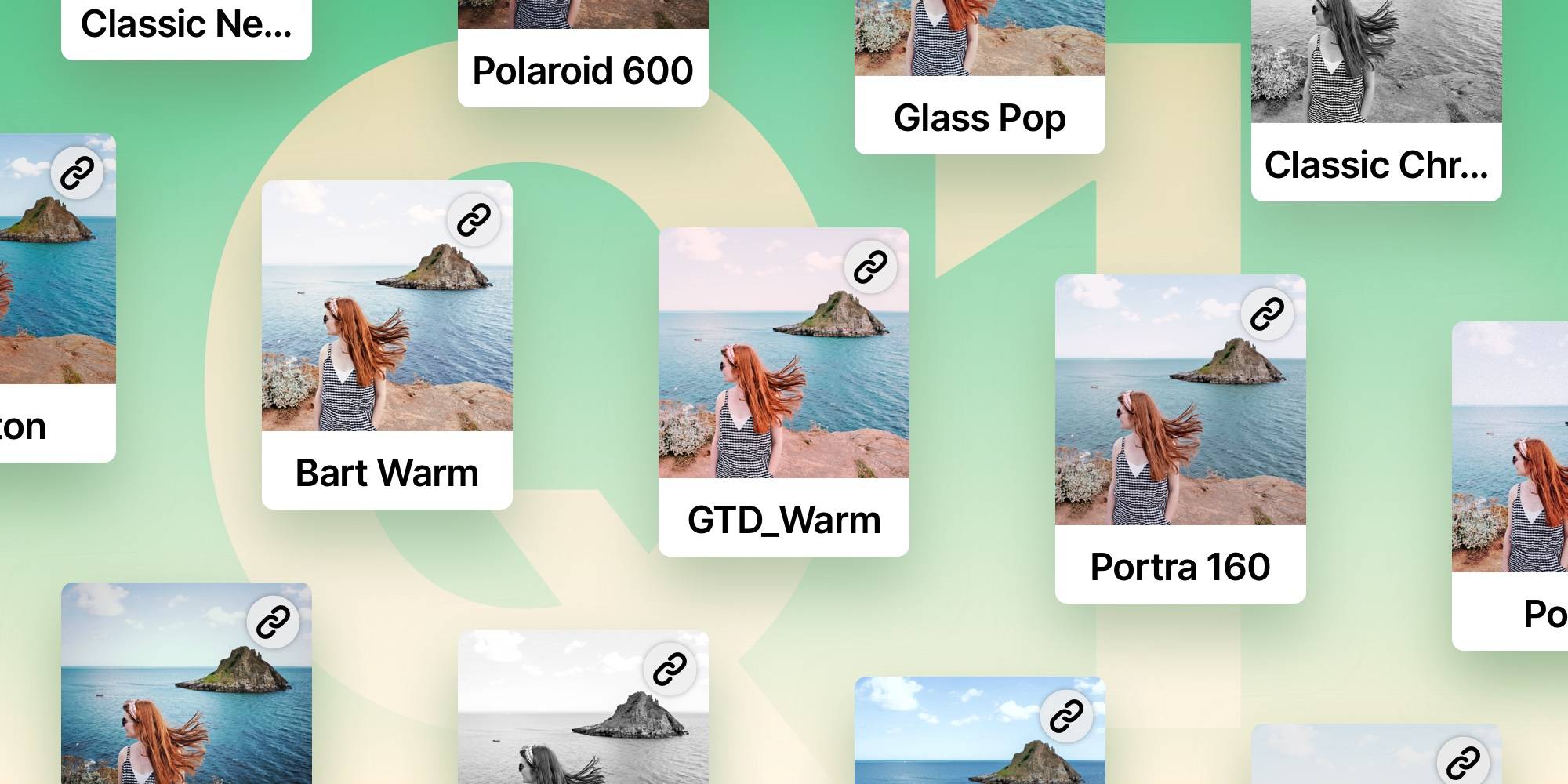
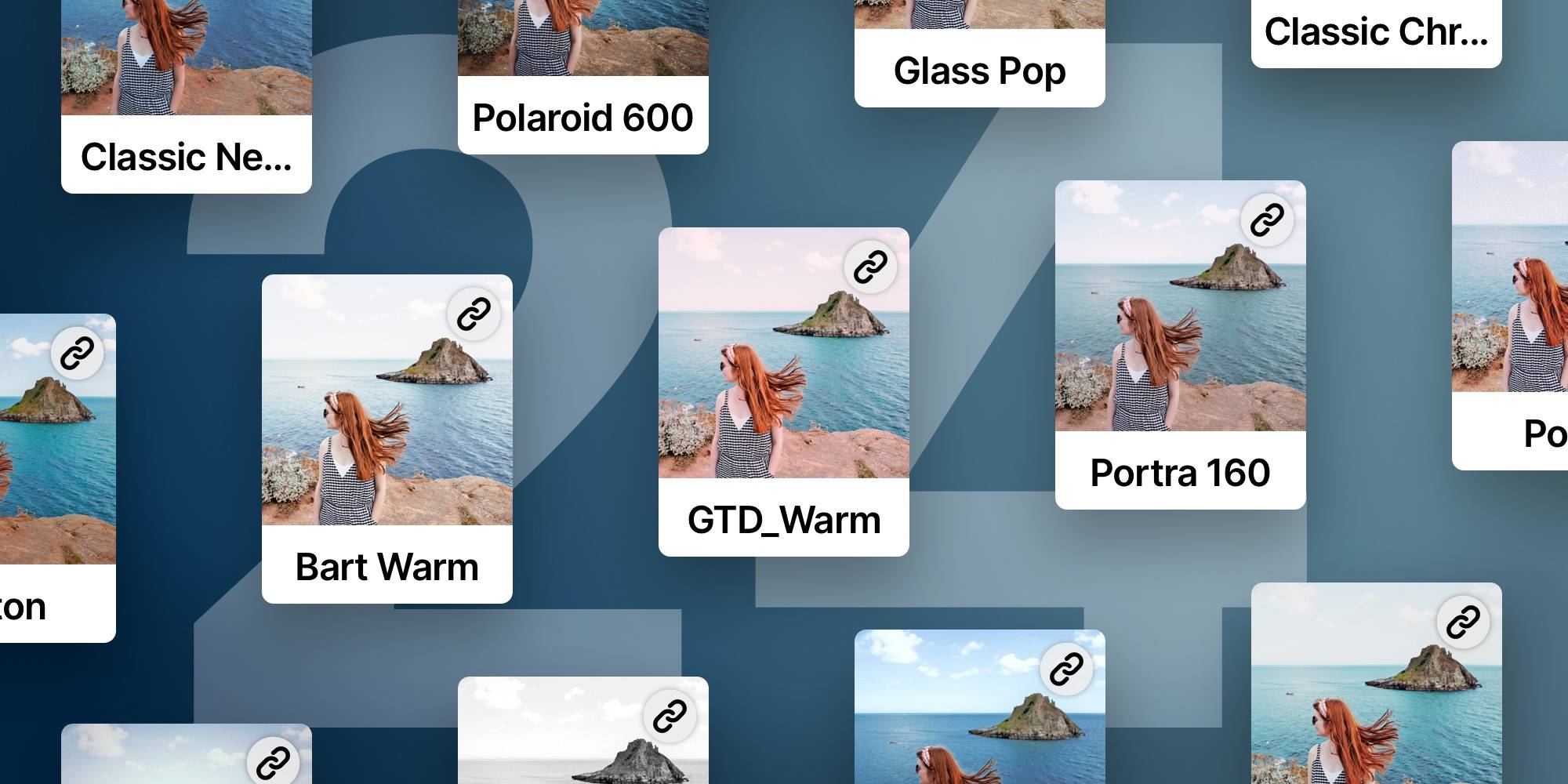
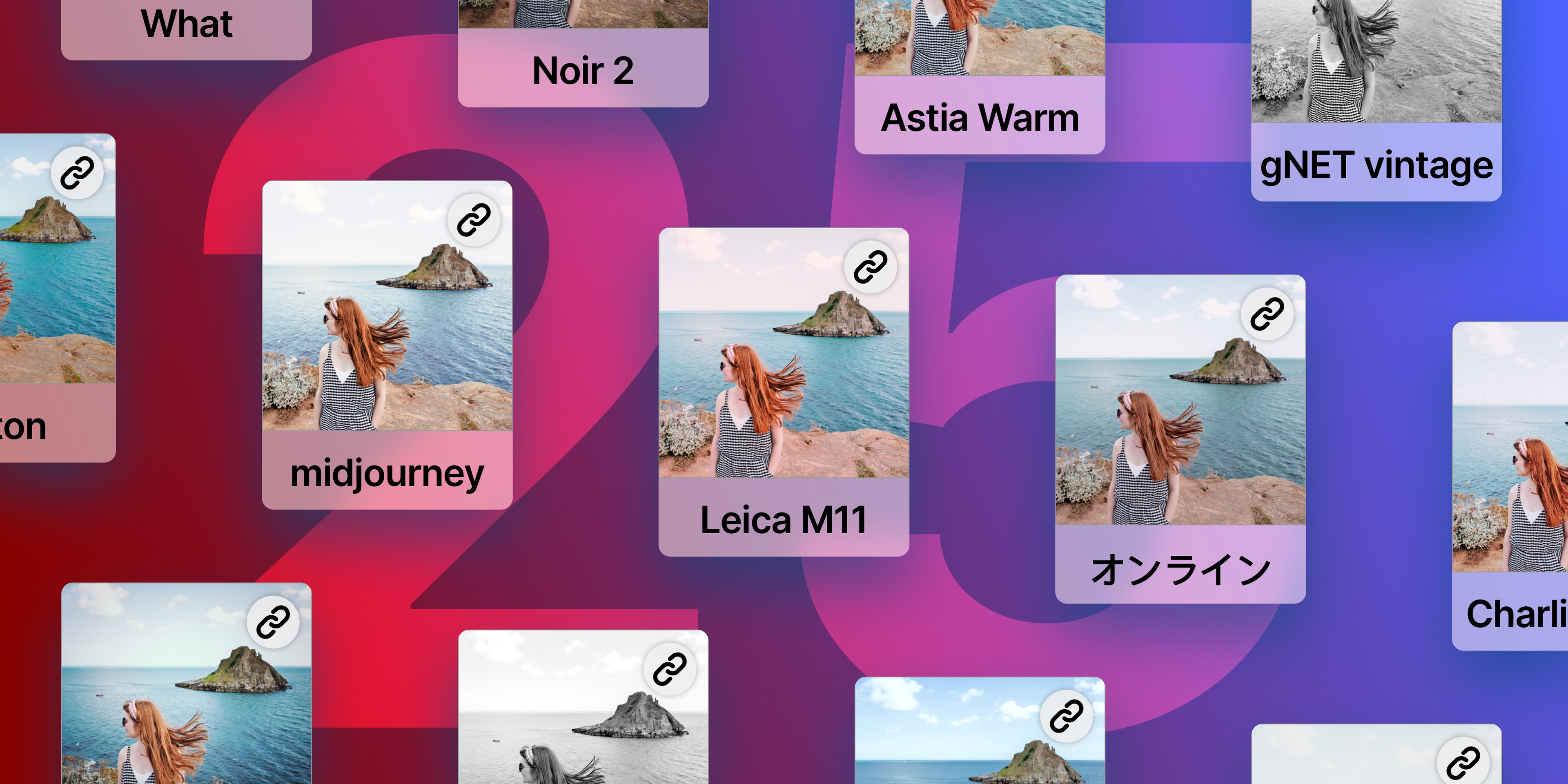
In 2025 these top 10 presets stood out for their versatility and results, witnessed by the fact that they were the most exported newly shared presets in 2025:
We did a deep dive into the data to see if we could find some interesting insights. 200 presets account for 90% of all exports, no small feat! Interestingly, Glass Pop is still the leader on the exports front, with over 180,000 exports to it's name. E1 pushed last years GTD_Warm off the second place.
Hidden Gems
This also lead us to discover a set of presets we call hidden gems, presets that have the highest export to install ratio, presets that are exported a lot by photographers that install them. We went ahead and permanently added the Hidden Gems collection to Community Preset discovery as we think they are a valuable tool for finding new presets to try. Below are the top 10 hidden gems of 2025.
We couldn't leave it at that, so we also curated two collections we think you will love if you are looking for some distinct looks for your shots.
Black & White Vibes
Let's start with a set of presets that are great to transform your shots into black and white. Giving your shots a timeless and classic look.
Cinematic Looks
Giving your shots a more dramatic and cinematic feel, perfect for transporting your shots to a different world.
Earlier this year we further enhanced Community Presets with a bunch of smaller improvements and functionality aimed at making using Community Presets easier and smoother; improved search, improved SEO, easier navigation, updates preset page design, directory pages, and improvements in the app. We also spent some time building ways to filter out spam and abusive presets. We’re excited to continue refining and expanding these tools in the coming year.
How can you share a preset?
Perhaps you already created a preset you’d like to share? You can do so by selecting the preset you want to share, tap on it again (•••) to view its options and you’ll find the new “Share” button. From the share sheet, you’ll be able to share a link to anyone, whether they have Darkroom installed or not.
Anyone with your link can preview and install your presets with a tap. That’s pretty much it! There are no files to manage, host, download or import. It couldn’t be simpler or more flexible.
We also have this detailed guide explaining how to create and share a preset!
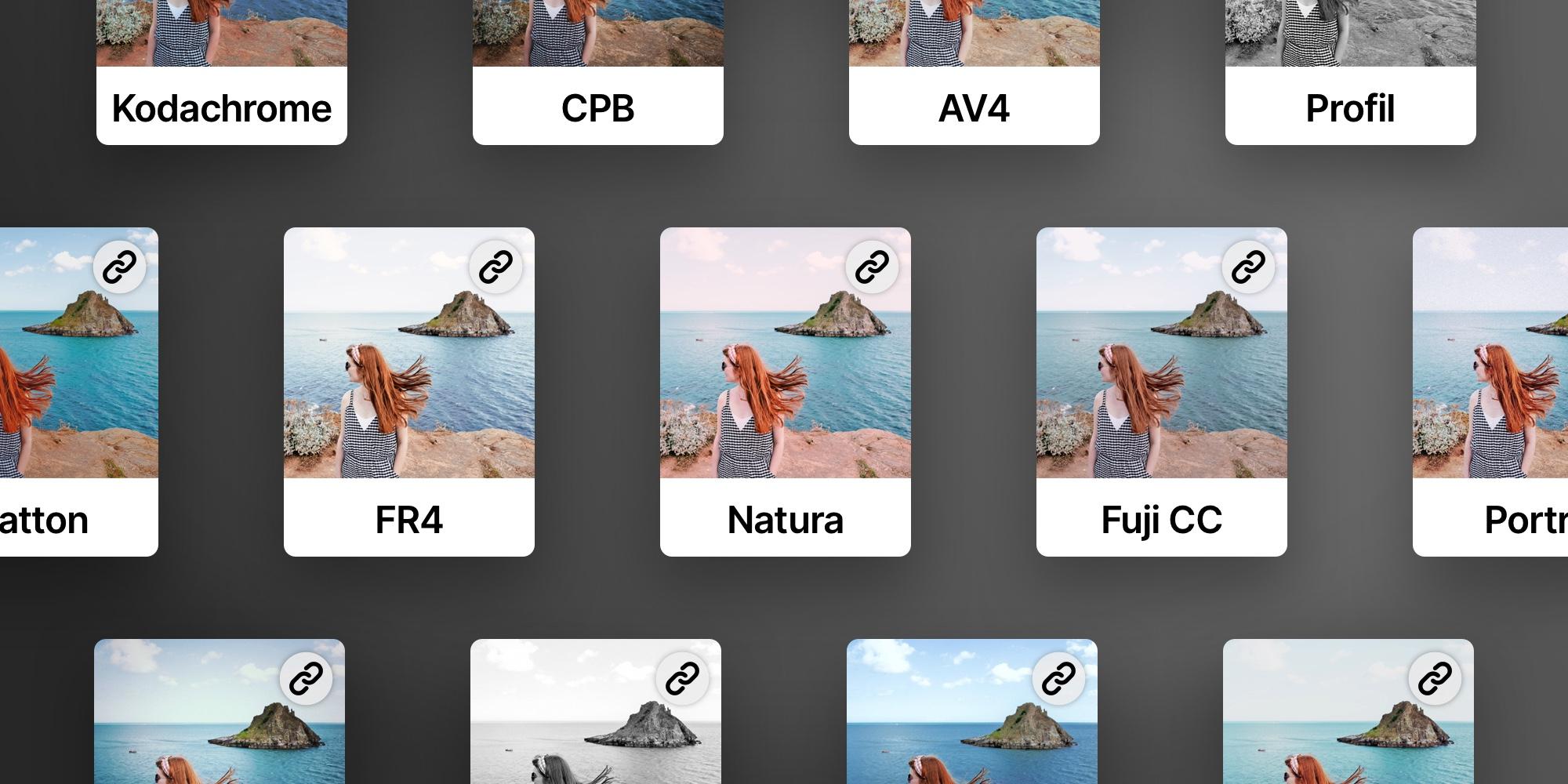
We are thrilled to see how many of you have created and shared your unique presets—it’s truly inspiring! Don’t hesitate to tag us or send your creations via message or email; we love seeing your artistry in action. As we continue to grow this vibrant community of photo editing enthusiasts, we are more excited than ever to support your creative journeys.
Wishing you a joyful and fulfilling end to the year filled with inspiration, beautiful moments, and, of course, stunning photos. Here’s to an even more creative 2026!
The Darkroom Team