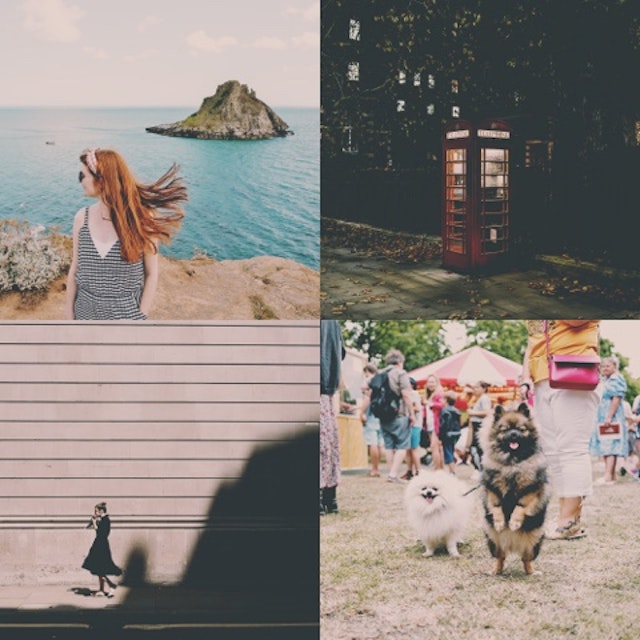
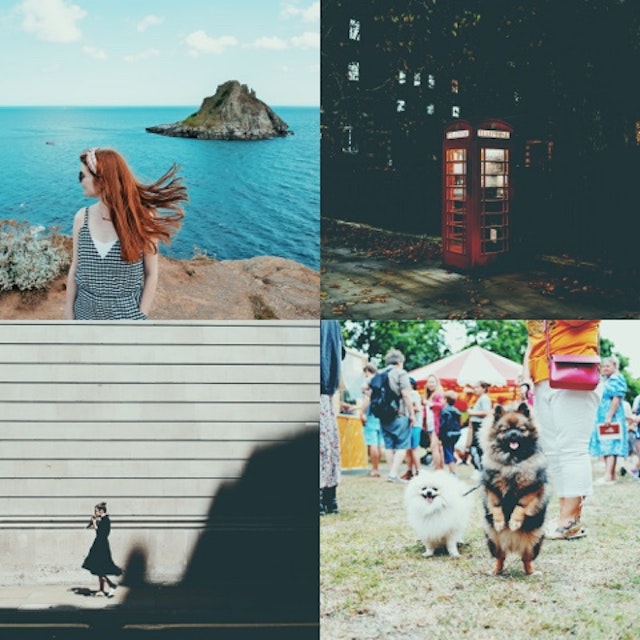
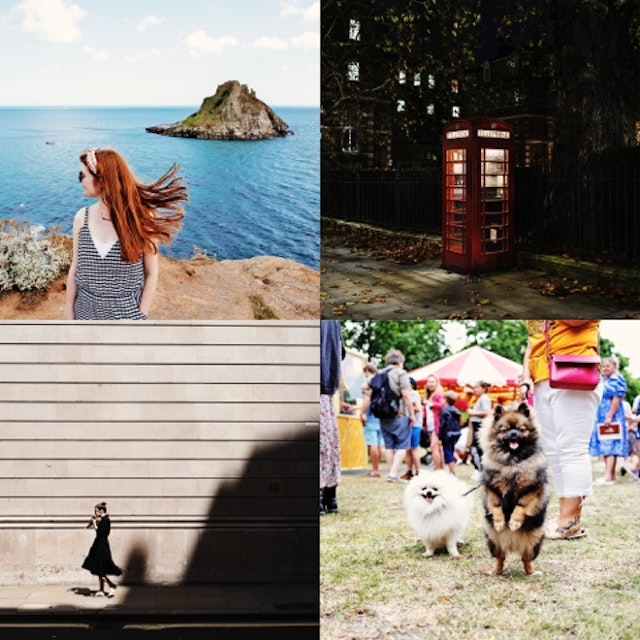
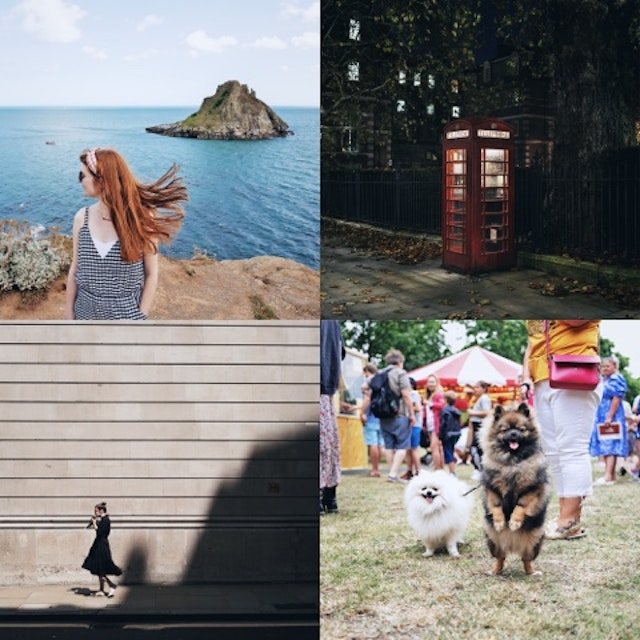
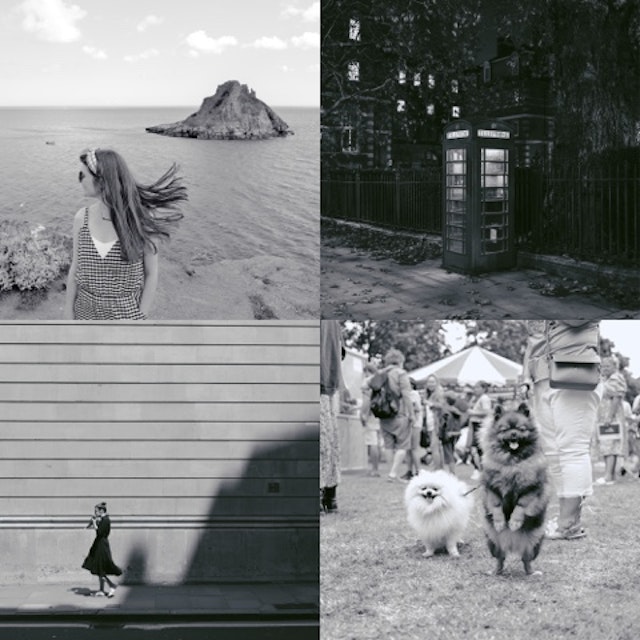
3,746 Free Community Presets

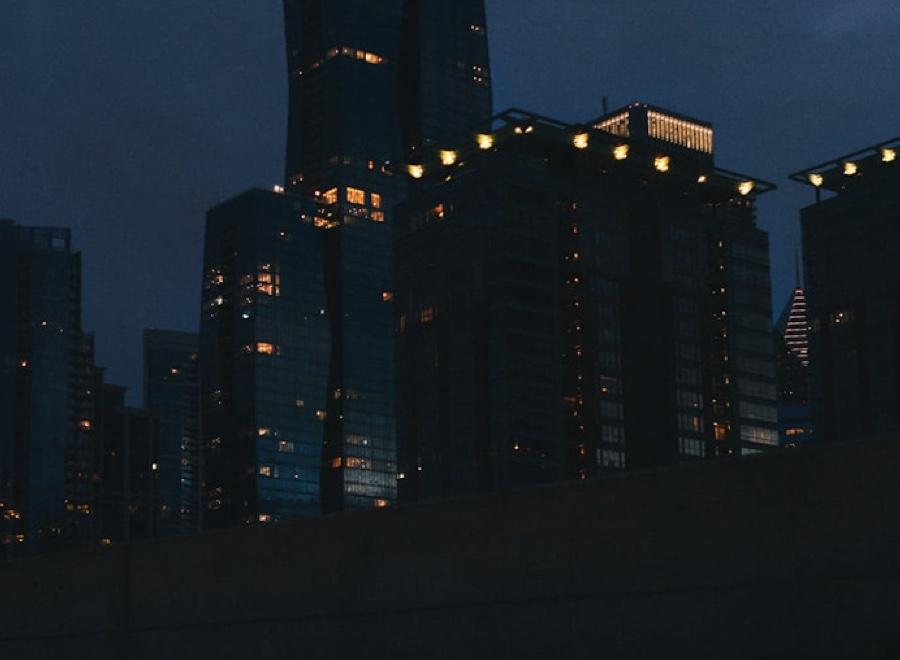
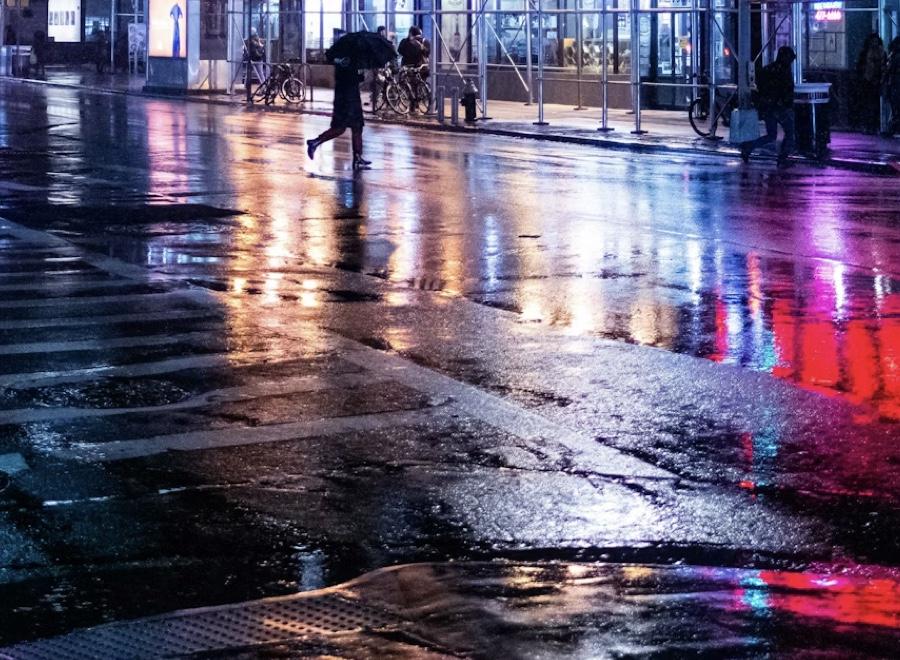
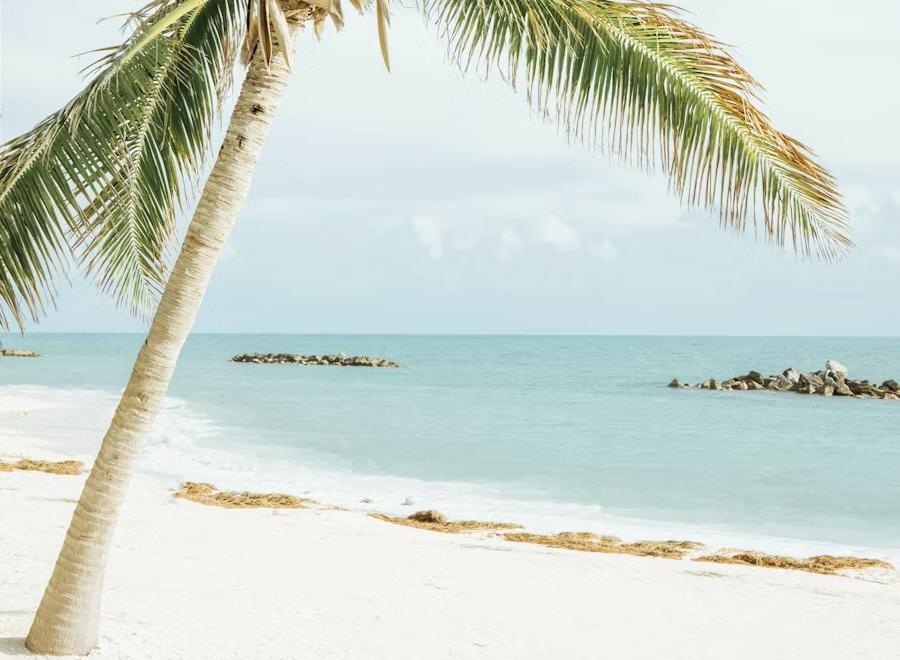
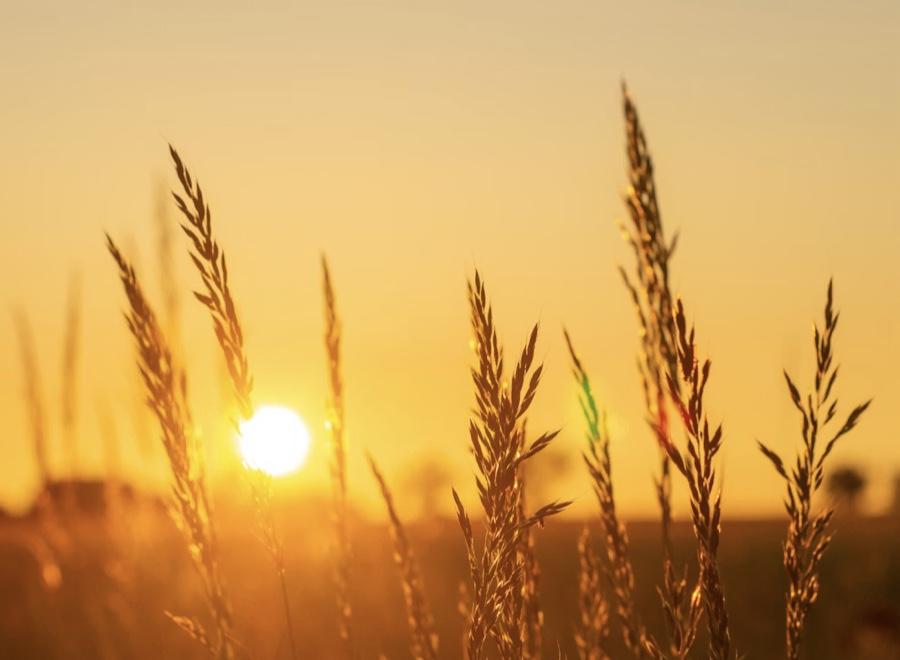
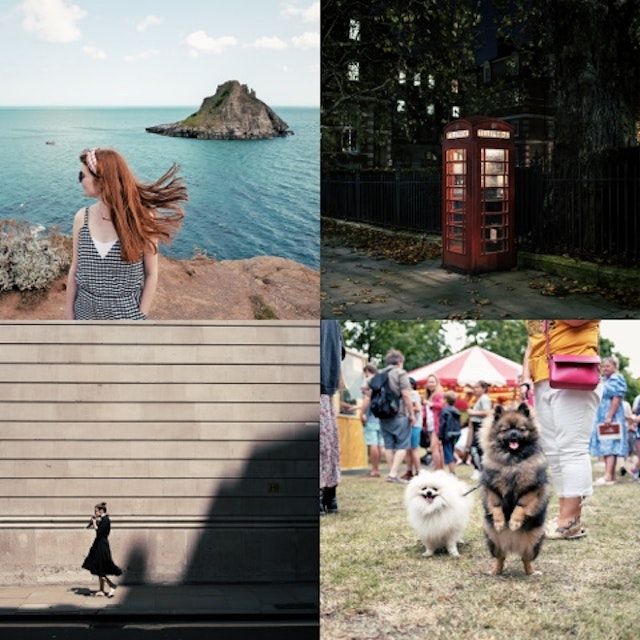
Explore high-quality presets for every style and mood, handcrafted by our community of photo and video editors from every corner of the world.
Trending Exported

NostalJamOriginal
NostalJam3,636 Exports, 540 Installs
BR5Original
BR53,011 Exports, 320 Installs
Q3 ReluxeOriginal
Q3 Reluxe2,192 Exports, 152 Installs
Full sun no waterOriginal
Full sun no water1,999 Exports, 398 Installs
FUJI F30 FILMOriginal
FUJI F30 FILM1,745 Exports, 354 Installs
Dose Of CuteOriginal
Dose Of Cute1,722 Exports, 111 Installs
FujiOriginal
Fuji1,630 Exports, 644 Installs
FilmOriginal
Film1,509 Exports, 349 Installs
Orange ForestOriginal
Orange Forest1,152 Exports, 172 Installs
Kodak gold 200 v3Original
Kodak gold 200 v3918 Exports, 97 Installs
Warm yellowishOriginal
Warm yellowish867 Exports, 139 Installs
Marleen portretOriginal
Marleen portret848 Exports, 176 Installs
Sunny SoccerOriginal
Sunny Soccer835 Exports, 5 Installs
Darkroom L100Original
Darkroom L100665 Exports, 114 Installs
LR1Original
LR1652 Exports, 107 Installs
In the shadeOriginal
In the shade613 Exports, 106 Installs
Angel Red-BlueOriginal
Angel Red-Blue559 Exports, 55 Installs
FkOriginal
Fk509 Exports, 30 Installs
МойOriginal
Мой491 Exports, 274 Installs
gym 1Original
gym 1427 Exports, 58 Installs
Ще для дашклькиOriginal
Ще для дашкльки417 Exports, 15 Installs
Leica BW HCOriginal
Leica BW HC380 Exports, 179 Installs
FF Velvia VividOriginal
FF Velvia Vivid378 Exports, 79 Installs
NslsOriginal
Nsls361 Exports, 217 Installs

Fresh Arrivals

Film J/NOriginal
Film J/N154 Exports, 24 Installs
Dark sunsefOriginal
Dark sunsef24 Exports, 8 Installs
HarperOriginal
Harper10 Exports, 3 Installs
InvertierenOriginal
Invertieren2 Exports, 3 Installs
Video feOriginal
Video fe2 Exports, 3 Installs
MyS/WOriginal
MyS/W0 Exports, 0 Installs
GOriginal
G0 Exports, 1 Install
007Original
0070 Exports, 1 Install
BW orangeOriginal
BW orange0 Exports, 0 Installs
Саида чб градOriginal
24 11 ThanksgivingOriginal
24 11 Thanksgiving0 Exports, 1 Install
화사Original
화사0 Exports, 1 Install
Carson FavOriginal
Carson Fav0 Exports, 2 Installs
HnedaOriginal
Hneda0 Exports, 0 Installs
LeiOriginal
Lei0 Exports, 1 Install
MeeeeOriginal
Meeee0 Exports, 2 Installs
Гроза:3.0Original
Гроза:3.00 Exports, 1 Install
عرسOriginal
عرس0 Exports, 2 Installs
jioiOriginal
jioi0 Exports, 1 Install
Curved BWOriginal
Curved BW0 Exports, 3 Installs
LesEcycleSOriginal
LesEcycleS0 Exports, 0 Installs
XOriginal
X0 Exports, 0 Installs
Prueba 001Original
Prueba 0010 Exports, 0 Installs
9Original
90 Exports, 0 Installs

Trending Installed

FujiOriginal
Fuji1,630 Exports, 644 Installs
NostalJamOriginal
NostalJam3,636 Exports, 540 Installs
Full sun no waterOriginal
Full sun no water1,999 Exports, 398 Installs
FUJI F30 FILMOriginal
FUJI F30 FILM1,745 Exports, 354 Installs
FilmOriginal
Film1,509 Exports, 349 Installs
BR5Original
BR53,011 Exports, 320 Installs
МойOriginal
Мой491 Exports, 274 Installs
NslsOriginal
Nsls361 Exports, 217 Installs
Leica BW HCOriginal
Leica BW HC380 Exports, 179 Installs
Marleen portretOriginal
Marleen portret848 Exports, 176 Installs
Orange ForestOriginal
Orange Forest1,152 Exports, 172 Installs
Q3 ReluxeOriginal
Q3 Reluxe2,192 Exports, 152 Installs
B&W+BOriginal
B&W+B118 Exports, 150 Installs
Warm yellowishOriginal
Warm yellowish867 Exports, 139 Installs
Darkroom L100Original
Darkroom L100665 Exports, 114 Installs
04. 2ndOriginal
04. 2nd244 Exports, 113 Installs
Dose Of CuteOriginal
Dose Of Cute1,722 Exports, 111 Installs
LR1Original
LR1652 Exports, 107 Installs
In the shadeOriginal
In the shade613 Exports, 106 Installs
Kodak gold 200 v3Original
Kodak gold 200 v3918 Exports, 97 Installs
Kodak TX 400Original
Kodak TX 400105 Exports, 89 Installs
АлепOriginal
Алеп191 Exports, 82 Installs
CacaoOriginal
Cacao61 Exports, 82 Installs
FF Velvia VividOriginal
FF Velvia Vivid378 Exports, 79 Installs

Hidden Gems

MAG1Original
MAG137,929 Exports, 1,394 Installs
PerfectOriginal
Perfect62,326 Exports, 2,444 Installs
R01Original
R015,442 Exports, 231 Installs
Brian Italy RAWOriginal
Brian Italy RAW30,480 Exports, 1,306 Installs
CG3Original
CG34,363 Exports, 191 Installs
Glass PopOriginal
Glass Pop207,711 Exports, 9,940 Installs
VSCO A9+Original
VSCO A9+4,071 Exports, 209 Installs
mariage noir blancOriginal
mariage noir blanc2,058 Exports, 108 Installs
MiColorOriginal
MiColor4,009 Exports, 211 Installs
YeaOriginal
Yea9,841 Exports, 543 Installs
RX1 SW PimpOriginal
RX1 SW Pimp17,903 Exports, 1,047 Installs
TattonOriginal
Tatton42,998 Exports, 2,574 Installs
MT100Original
MT10033,210 Exports, 2,014 Installs
Glass Pop IIOriginal
Glass Pop II11,215 Exports, 720 Installs
Dose Of CuteOriginal
Dose Of Cute1,722 Exports, 111 Installs
BathroomOriginal
Bathroom3,686 Exports, 238 Installs
Marina 400Original
Marina 4004,789 Exports, 311 Installs
April 23Original
April 232,114 Exports, 138 Installs
002Original
0023,972 Exports, 260 Installs
flavioOriginal
flavio1,784 Exports, 117 Installs
wopOriginal
wop8,844 Exports, 588 Installs
Cinematic ProductOriginal
Cinematic Product61,444 Exports, 4,145 Installs
TLVOriginal
TLV1,212 Exports, 83 Installs
Q3 ReluxeOriginal
Q3 Reluxe2,192 Exports, 152 Installs

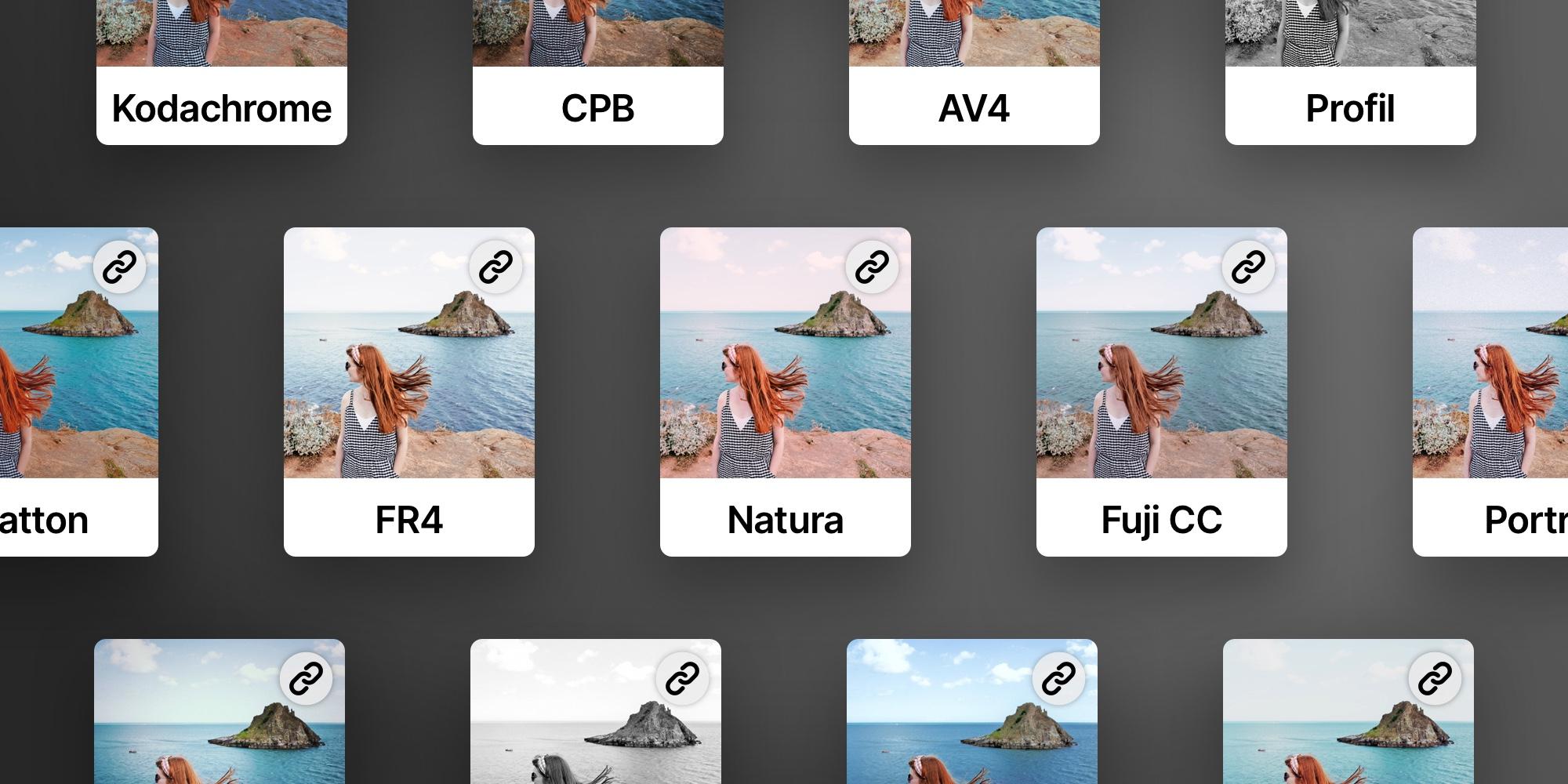
Create your own custom presets

Develop your own unique style and save it as a preset for quick access. Apply presets with a single tap—or use batch processing and automation to speed through entire shoots in no time, and make them look consistent.
Learn more →

Create your own custom preset
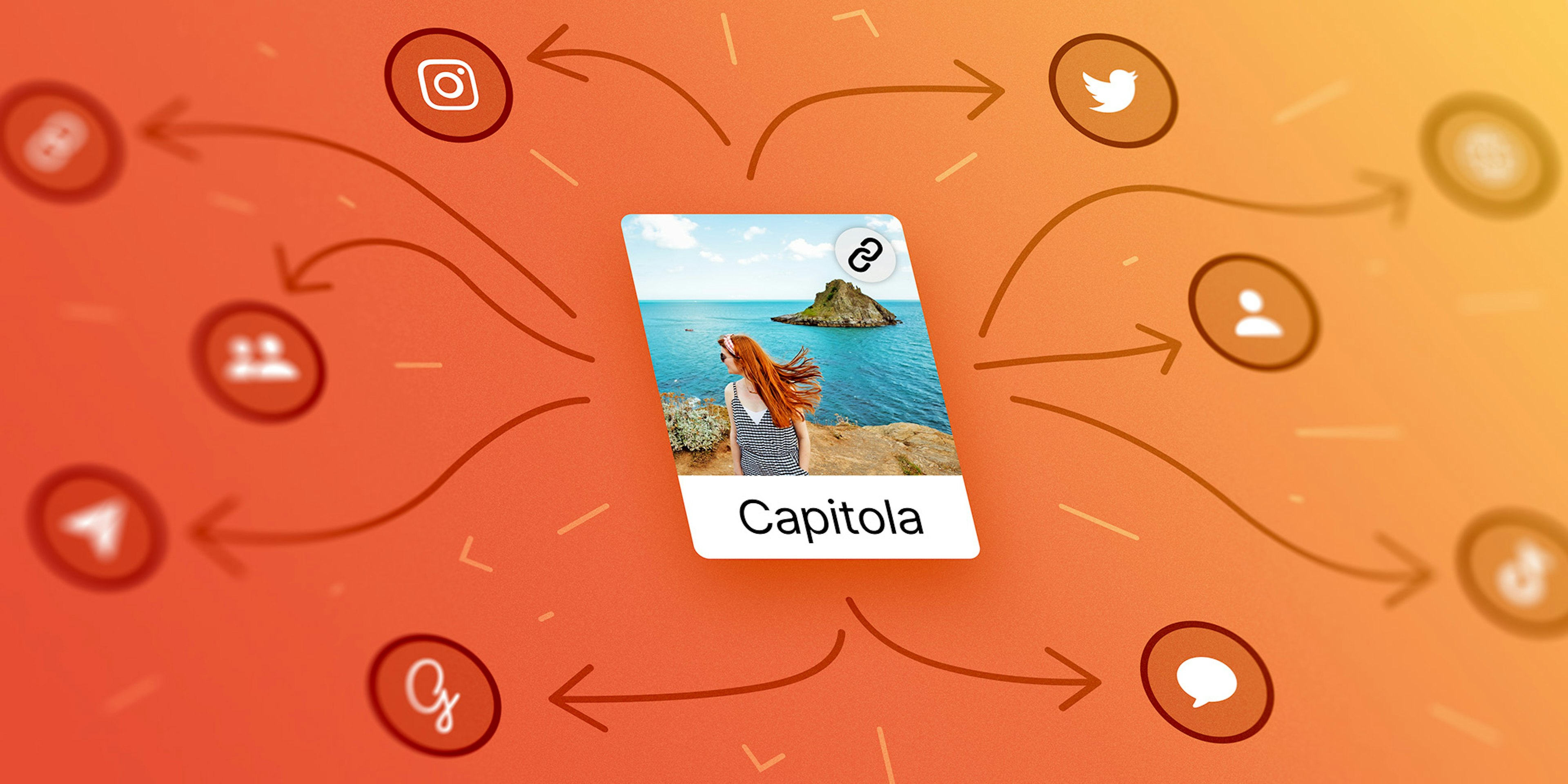
Create and share your custom presets

Share your presets with the world

Share your presets with the world and inspire others to create stunning edits. With just a simple link, anyone can preview and install your presets—no files, no hassle. Join a growing community of creators, showcase your talent, and see your presets gain popularity in real time!

Learn more →

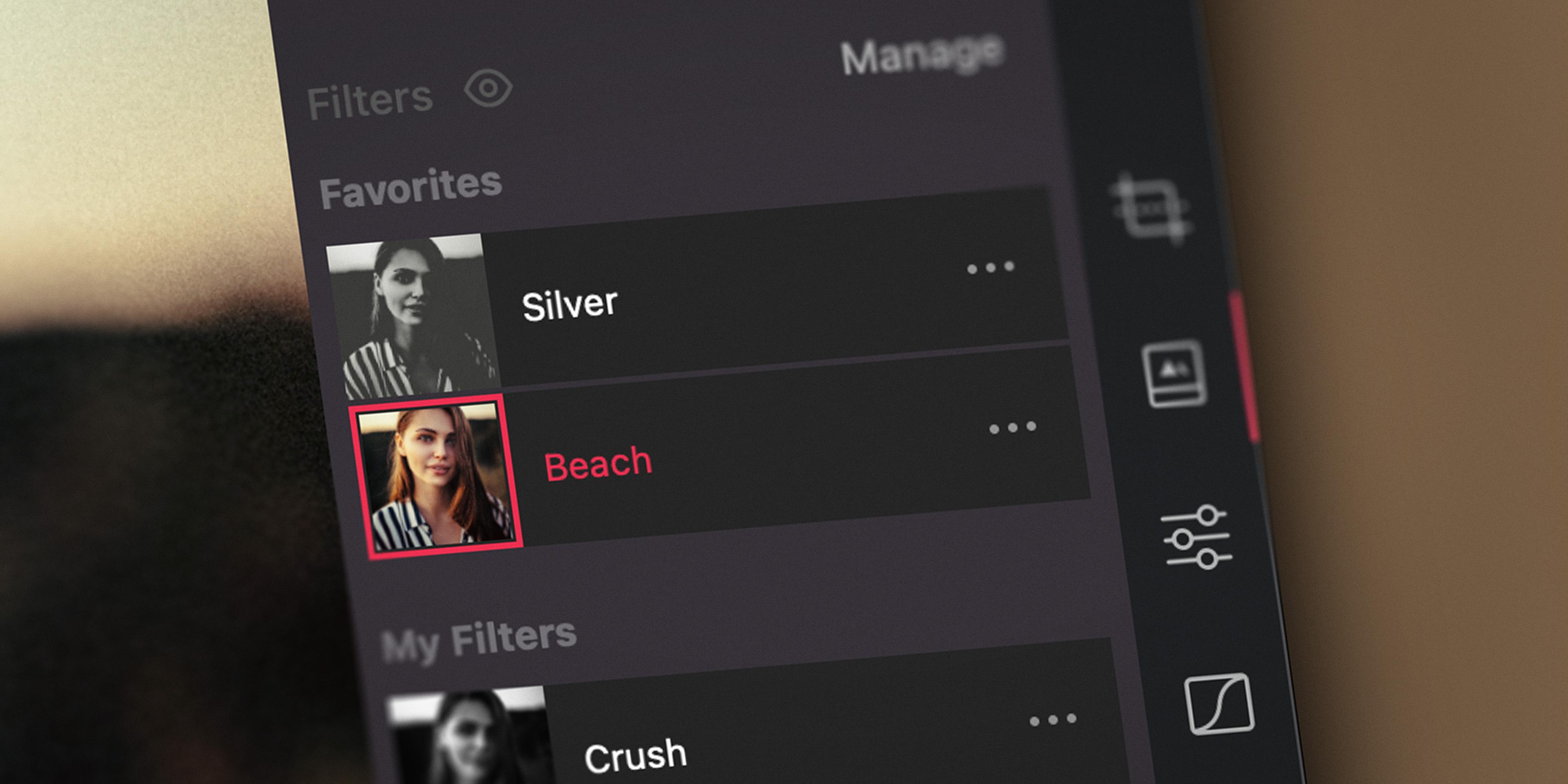
Manage and curate your presets

Make the presets that you use all the time front and center in the preset tool. Favorite, reorder, and hide preset groups to optimize your library for that extra bit of efficiency in your editing workflow.
Learn more →

Manage and curate your presets

Bundled Premium Presets

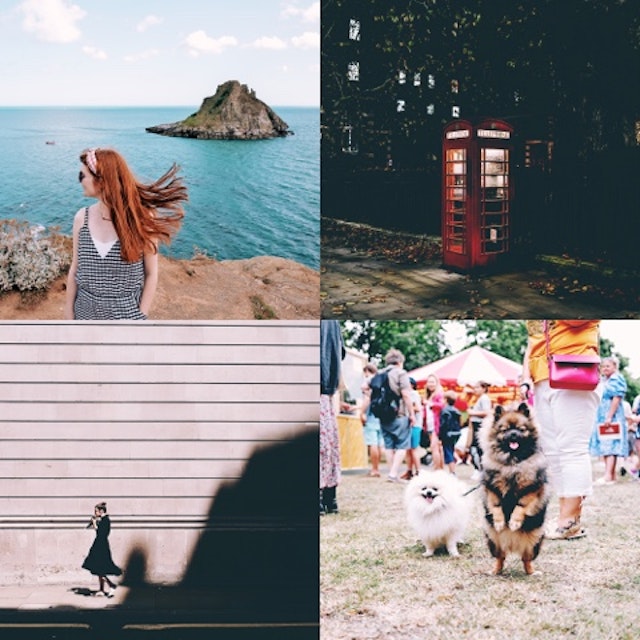
Darkroom comes with 8 sets of Darkroom+ presets for your photos and videos. With these 39 presets, you can easily emulate analog film, apply vintage and cinematic looks, and enhance your portraiture or landscape photos.
Darkroom Preset Set
  • A100
  • A110
  • A200
  • A210
  • B100
  • B200
  • T100
  • L100
  • L200
  • P100
  • P200
  • M100
Darkroom • Free
A broad selection of free presets curated from our premium sets. Including XPRO (crossed processed), Black and White, Landscape, Portrait, and others.
Cinematic Preset Set
  • C100
  • C200
  • C300
  • C400
  • C500
Cinematic • Darkroom+
Inspired by the contemporary ‘teal and orange’ big movie look. Emphasizing skin tones and color contrasts between warmer and cooler tones.
Instant Preset Set
  • I100
  • I150
  • I200
  • I250
  • I300
  • I400
  • I450
Instant • Darkroom+
Instant presets emulate the nostalgic look of classic instant film (polaroid) with their shifted and faded colors and crushed shadows.
XPRO Preset Set
  • A120
  • A310
  • A320
  • A330
  • A400
XPRO • Darkroom+
Cross Processed is inspired by the analog experimental process of using the wrong chemicals. Creating interesting color shifts and increased contrast.
Landscape Preset Set
  • L110
  • L210
  • L220
  • L230
  • L400
Landscape • Darkroom+
Boost colors and bring out details in photographs of nature, for the blue sky, the green grass, and the yellow sand. Custom-made for an eye-catching look.
Portrait Preset Set
  • P110
  • P120
  • P300
  • P310
  • P400
Portrait • Darkroom+
Tailor-made presets to add punch and emotion to skin tones specifically. Perfect for those who want that extra boost of color and vibrance in their portrait photos.
B&W Preset Set
  • B110
  • B120
  • B210
  • B400
  • B410
B&W • Darkroom+
Based on classic analog black and white films, these presets mix film-style grain and increased contrast. Great for adding a dramatic and striking look.

What are these preset names? The letter (C) represents the set name (Cinematic). The first number represents the main variant (C100), the second number a subtler or stronger subvariant (C110).

Questions? Answers.

What are Darkroom Community Presets?Link

Darkroom Community Presets are high-quality, user-generated presets crafted by our global community of photo and video editors. These presets allow you to quickly apply various styles and moods to your images, streamlining your editing process. And can be changed to your liking by adding your own edits.

What are presets (filter) in Darkroom?Link

Presets are pre-defined editing settings that can be applied to photos and videos to achieve specific looks or styles quickly. Darkroom offers a variety of free and premium built-in presets and also features a Community Presets where you can explore and share custom presets.

Are community presets free?Link

Yes, all Community Presets are free to browse, install, and apply the Darkroom app. Some presets may have export restrictions as they use Darkroom+ features, but you can try them out with the free version of Darkroom.

How do I create a custom preset?Link

Anytime you either edit your photo yourself, or after you have selected a premium preset and made additional edits the Create Preset button is enabled, right above the preset strip in the Preset tool. Just tap or click it, give your preset a name, and et voila you now have a custom preset. Ready for you to speed up your workflow or share.

If you want to learn how to create and develop your own unique preset and share it with the community, we put together a detailed step-by-step guide that walks you through the entire process—from developing a strong look to publishing it with confidence.

How do I share a preset?Link

Once you have create a custom preset, and have it selected or applied to a photo, tap the preset again by tapping on the big three dots, and the preset action menu will appear. Now tap the Share option and a link will be created for you enabling you to share the preset with anybody and anywhere.

Can I unshare a preset?Link

Yes, you can unshare a preset by going to the Presets tool, and then tap the My Filters section. Now tap the ... button on the preset you want to unshare and select Unshare. This invalidates the link, and will unshare you preset from the community as well. It will no longer be available for anybody else. You can share it again at any time, and the link will remain the same.

Can I manage my installed presets?Link

Yes, you can favorite, and reorder, your installed presets. These changes will sync across all your devices, ensuring a consistent editing experience.

How do I update a shared preset?Link

You can update a shared preset by going to the Presets tool, and then tap the My Filters tab.

  1. First select the preset in question and then tap the ... action button.
  2. Tap the Unshare action.
  3. Now make any edits you wish.
  4. Then come back to the presets tool, select the preset in question and then again tap the ... action button.
  5. Now tap the Update action.
  6. Finally, the last step is to Share your preset again. This will keep the same link, but will update the preset for anybody who installs it next.
Can I delete a shared preset?Link

Yes, you can delete or remove a shared preset by going to the Presets tool, and then tap the My Filters tab. Now tap the ... button on the preset you want to delete and select Delete. This will remove the preset from your device, and will unshare you preset as well. It will no longer be available for anybody else.

If you have any other questions, please head over to our Help Center.

Dive into Darkroom today!

Install our free app on your iPhone, Mac, iPad, and Vision Pro. Start editing your iCloud Photos in seconds, without any setup or importing hassles.

Get the App
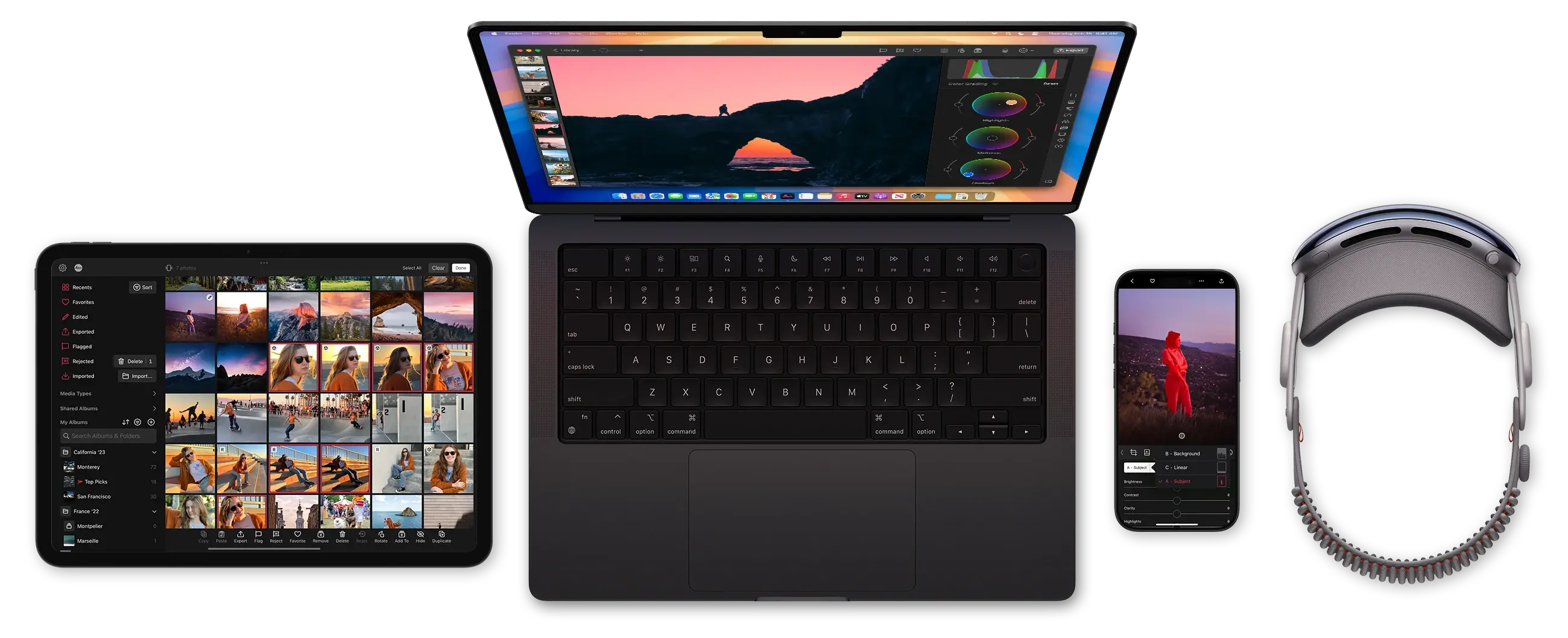
Darkroom runs on iPhone, Mac, iPad and Vision Pro