History
Editing in Darkroom is non-destructive: every adjustment renders live on top of your original, and nothing is ever permanently changed. History is what lets you take advantage of that — step backward and forward through your decisions, wipe the slate clean, and carry a finished look from one photo across a whole shoot. It's freedom to experiment without fear, and the engine behind fast, consistent batch editing. You'll find it in the Edit view toolbar, with copy, paste, and reset also available from the ••• action menu (and ⌘C / ⌘V on a keyboard).
Undo, redo, and reset
As you work, undo and redo move you through recent steps so you can compare two directions or back out of one that isn't working. When an edit branch gets tangled, Reset Edits clears everything and returns the photo to its original state — often the fastest way forward is to start clean and rebuild in deliberate passes (tone, then color, then finishing).
Reset Edits only clears Darkroom's sliders. It does not remove a version you already wrote into Apple Photos with Save. To put that library item back, revert it in Photos. The steps are on the Export page.
Copy a look across many photos
The real power shows up across a set. Copy the edits from one image and paste them onto another — or onto a whole batch at once, ideal for an event, a travel set, or a multi-clip video project. Rather than drift photo to photo, build one strong "reference" edit and propagate it.
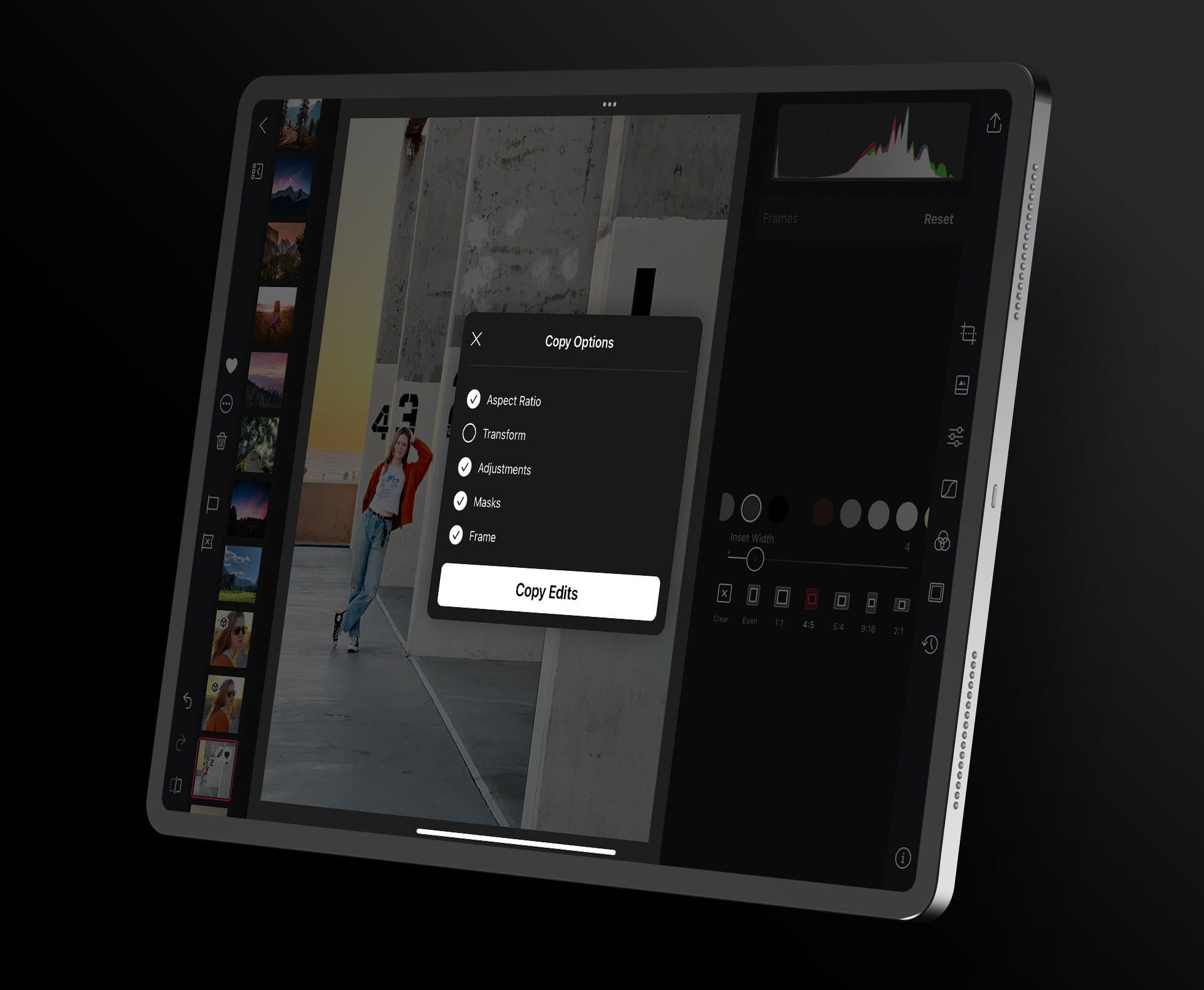
The key is selective paste: when you copy, choose which categories come along — Adjustments, Aspect Ratio, Transform, Masks, or Frames. Carry the look (your adjustments, curves, grading, and color) while leaving composition and image-specific masks behind, since a crop or a subject mask that's perfect for one frame rarely fits the next. That's how you keep a set visually unified without forcing mismatched crops onto every shot.
Turn a look into a preset
When an edit stack is worth keeping for the long term, save it as a preset instead of copy-pasting it forever. A preset is the durable, reusable version of the same idea — one tap on any future photo.
Related
- Presets to save a finished look permanently
- Masks — usually excluded from a paste unless framing matches
- Batch Actions for working across many photos at once
- Keyboard Shortcuts to speed up copy and paste