Import
Darkroom works directly with your Apple Photos library, so most of the time there's nothing to import at all — your photos are already there the moment you open the app. The cases below are for the times they aren't yet: bringing in shots from a camera, an SD card, a USB drive, or the file system.
From iCloud Photos, there's nothing to do
If you use iCloud Photos, every photo and video in your library is automatically available in Darkroom — no import step, just open and browse. A photo you take on your iPhone shows up in Darkroom on your iPad and Mac, and vice versa. For the full picture of how this works, see iCloud Library.
Importing in Darkroom
When the files aren't in Photos yet, use Import. You'll find it in the album list — the Library tab on iPhone, the sidebar on iPad and Mac — and on a keyboard the shortcut is I. Darkroom opens Apple's Files app, so anything connected there is reachable: a DSLR or mirrorless memory card, a USB drive, or folders already on the device.
Pick the photos or videos you want and they land in your Apple Photos library. They show up in Recents right away, and in the Imported smart album in the order you brought them in. If iCloud Photos is on, they sync to your other devices from there.
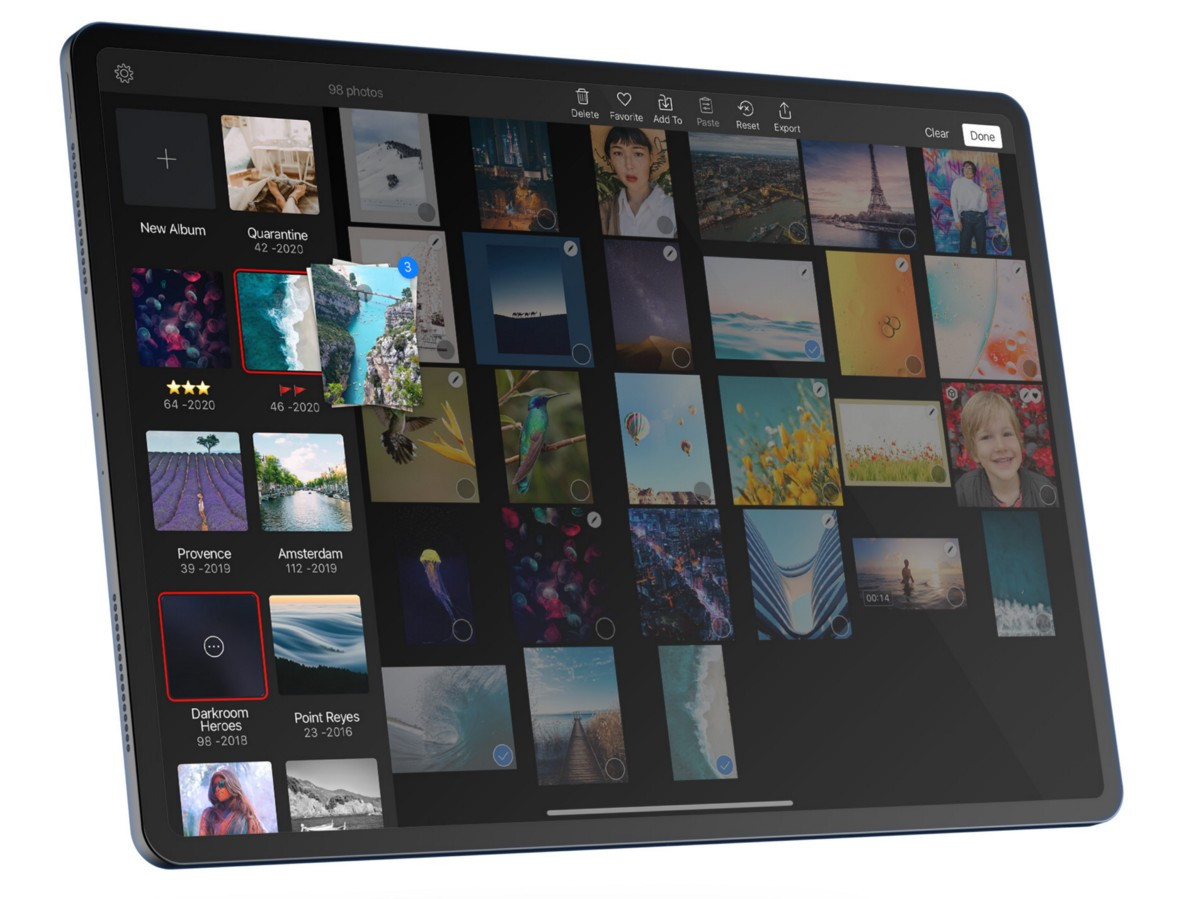
On Mac you can also drag and drop photos onto the library from the Finder. On iPad, drag photos from the library onto any album in the sidebar to file them once they're in.
Importing on Mac needs Full Disk Access
If Import or drag-and-drop on Mac does nothing, Darkroom often needs Full Disk Access before it can read a card, drive, or folder. Open System Settings → Privacy & Security → Full Disk Access, add Darkroom, then try again.
Importing through Photos first
You don't have to import from inside Darkroom. Connecting a camera or SD card to your iPad or Mac and using the Photos app, Image Capture, or Finder still works — the files land in your Apple Photos library, and Darkroom picks them up automatically in Recents.
Supported formats
Darkroom supports the same image and video formats Apple Photos does — JPEG, HEIF, PNG, TIFF, ProRAW, and most RAW formats including DNG, CR2, ARW, NEF, ORF, and RAF for photos, plus H.264 and HEVC (H.265) for video. RAW support follows Apple's engine, so a newer camera or a compressed RAW setting may need an OS update rather than a Darkroom update. If a file imports but won't open, see RAW & ProRAW Files.
Frequently Asked Questions
How do I import photos from a camera or SD card?
Connect the camera or card, open Darkroom, and choose Import from the album list — the Library tab on iPhone, the sidebar on iPad and Mac. That opens Files, so the card or drive is reachable from there. Imported photos appear in Recents and in the Imported smart album.
Importing on Mac doesn't work.
Darkroom often needs Full Disk Access for drives and folders. In System Settings → Privacy & Security → Full Disk Access, add Darkroom, then try Import or drag-and-drop again.
Where do imported photos go?
Into your Apple Photos library. They show up in Recents immediately, and in the Imported smart album in the order you brought them in. If iCloud Photos is enabled, they sync to your other devices from there.
Related
- Library View — albums, Recents, and the Imported smart album
- iCloud Library — why most photos never need importing
- RAW & ProRAW Files — if a file imports but won't open
- Keyboard Shortcuts — Import is I on a keyboard