Camera Integrations
At Darkroom we pride ourselves on being a platform for photographers, not just a photo editor. The capture and the edit are two halves of the same craft, and the handoff between them shouldn't cost you anything — no exporting, no importing, no hunting through folders to find the frame you just shot.
Camera Integrations close that gap by connecting Darkroom with a reputable selection of third-party partner camera apps on iPhone and iPad. The result is a fast capture-to-edit loop: shoot in the camera app you already trust, then step straight into Darkroom to edit, with the shot waiting for you in your library rather than buried behind an import step. When you're done and want to keep shooting, a single tap takes you right back to the camera app where you left off.
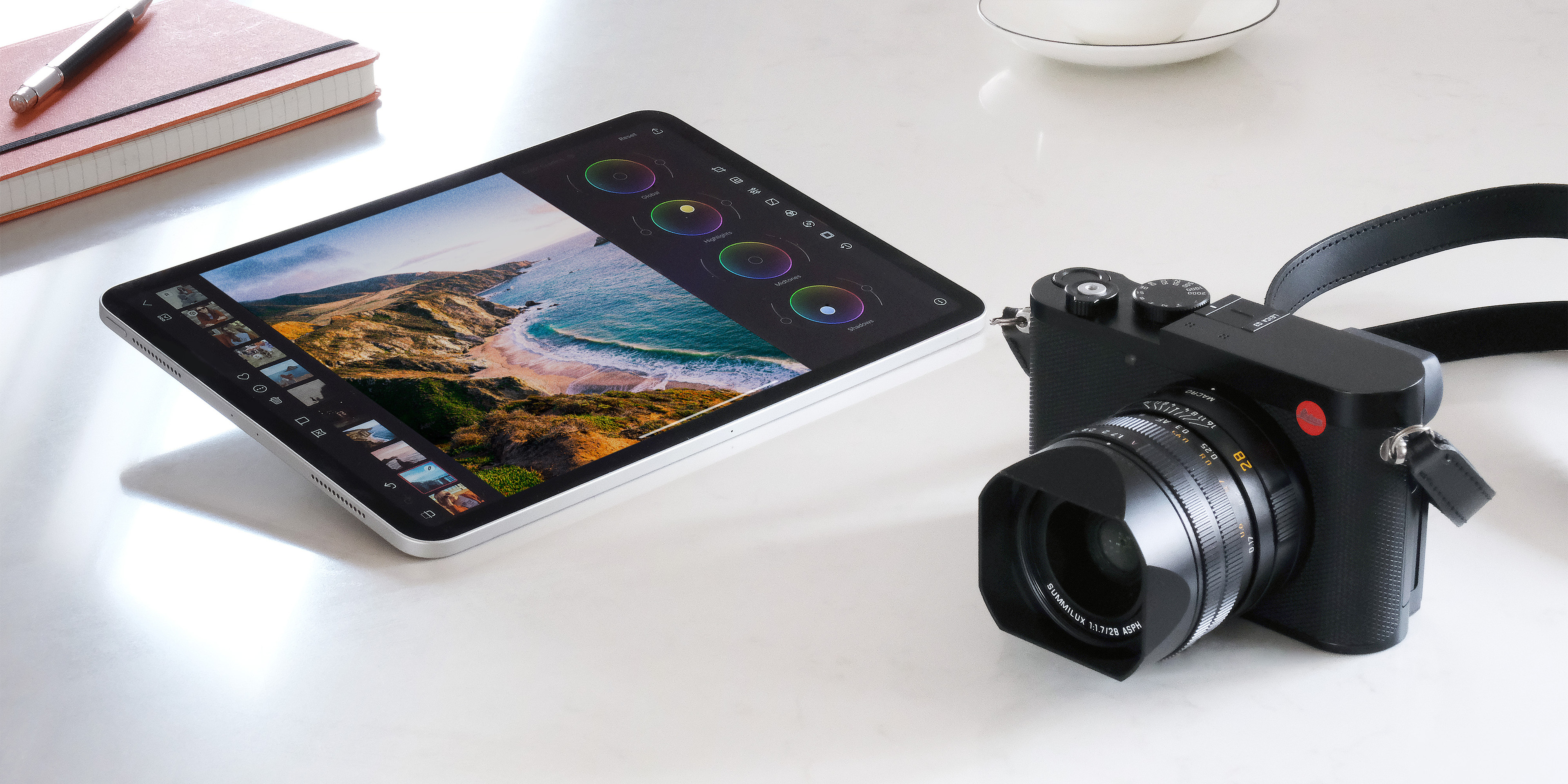
The Integrations page has the current list and links to each app.
How to Use It
On iOS and iPadOS your preferred camera app appears automatically at the top of the library grid, ready whenever inspiration strikes. To switch which app lives there, tap and hold the camera icon and pick a different partner — handy if you shoot with one app for street work and another for portraits.
You manage the full set from Darkroom Settings, where you can choose which partner apps you want offered, and tap and hold the camera icon to jump straight to those settings. Darkroom removes partners you've uninstalled from the list automatically, so it stays limited to apps you actually have.
Related
- Library View — the camera icon sits at the top of the library grid
- Settings — choose which partner apps are offered
- Your First Edit — what to do once the shot is in Darkroom